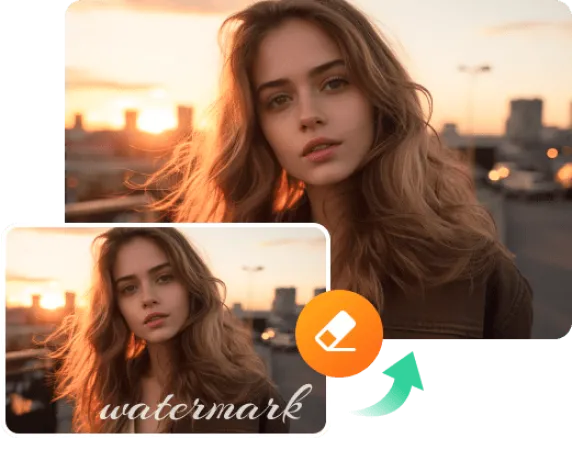

Images are a very important element of any content on a website, social media, or presentations, but often the picture, which we wouldn't want to have, is copyrighted. To remove watermarks there are many tools, among which of course the most popular is Photoshop. But not everyone knows how to use it perfectly, moreover, if you have a lot of such images or photos, it will take a lot of time to edit.
In this article, we are going to look how to remove watermark from photo using an AI tool Dewatermark.
Well, the first thing we need to do is go to the dewatermark.ai website, and on the home page just click on the upload image button. If you need to fix one photo, you don't even need to sign in on the site
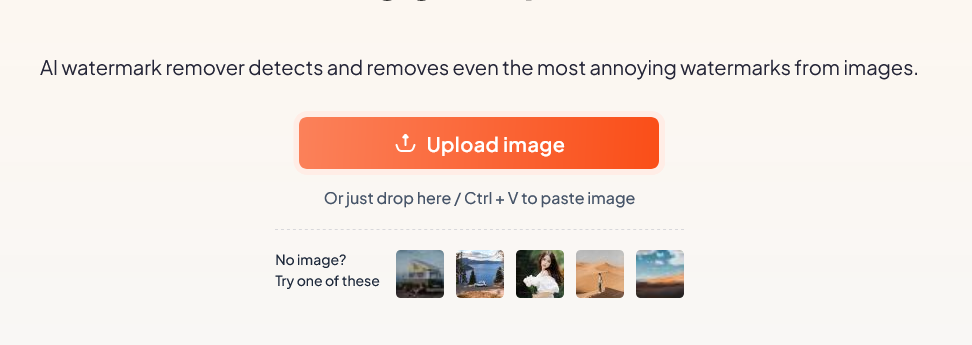
You don't need to do anything else, the AI will do all the work for you! For example, we took this photo:
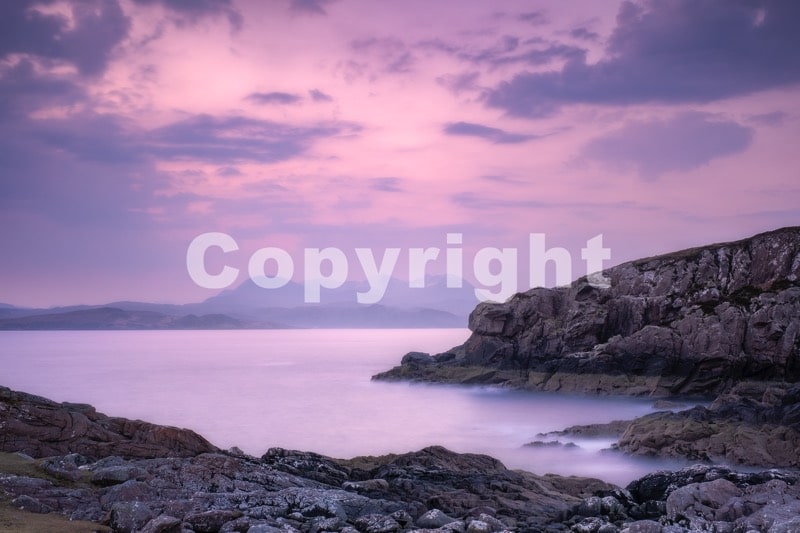
And look what we have in just a couple of seconds:

All we have to do is download the photo to our device and we get a great result without loss of quality.
What about the price and the credits?
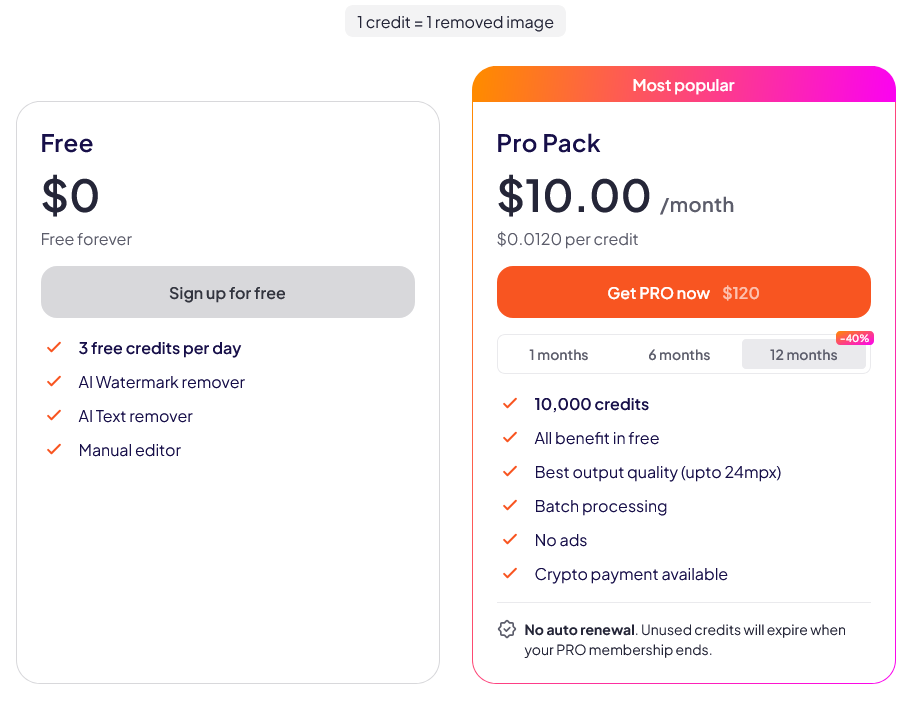
If you need to occasionally edit a few photos then the tool will be absolutely free.DeWatermark remover tool is free for the first 3 images per day. After that, you will need to purchase a subscription.
If you often search for photo content and need to edit large quantities, then the price for convenience and speed will be only 10$ for 10000 credits
Features
- Support watermark removal for JPG & PNG file types only
- Manual brush as part of the process when AI fails to do so
- iOS and Android devices supports
- You can process up to 50 images at once
Is it legal to remove watermarks?
It is completely legal.to use the watermark removal tools itself. But we strongly recommend that you do not remove watermarks from copyrighted images for fair use purposes and not to violate copyright law.
In addition to the fact that the author of the protected image may file a complaint against you, search engines like Google have also learnt to determine the original source of the photo, and know that it is not unique and copied from another source, which may affect the position of your site in the search engine results.
Where to find non-copyrighted photos?
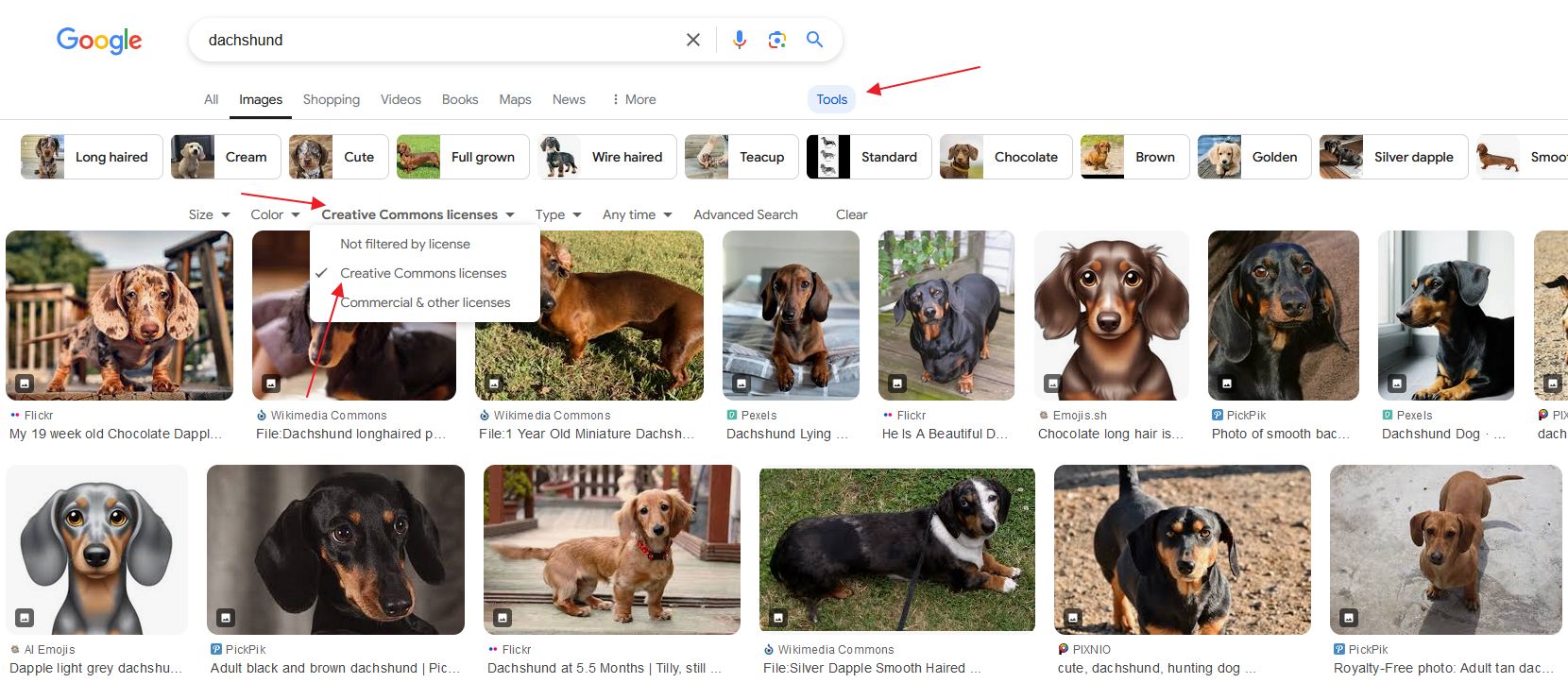
Find free-to-use images on Google.
- Go to Google Images and type in the image you are looking for.
- Select Tools > Usage Rights, and then select Creative Commons licences.
- Google will show you images licensed under Creative Commons.
Use a stock photo site
One of the easiest ways to find an image that you can use for free is to search for it on stock image sites. Photostocks can be free, as well as ones where you can buy your favourite photo or download lots of quality images on a subscription.
Use your own unique photos
The best and right option is when you are your own content creator. Uniqueness is always valued!
- 54 views